Edit your resumewithout touching LaTeX.
Quickly tailor it to every job description, without changing the layout.
One resume, ready for every job.
- Step 01
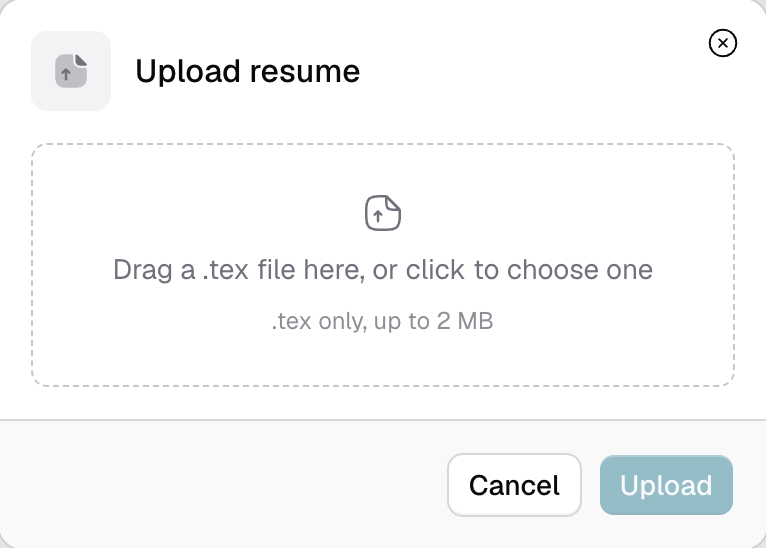
Bring your resume
Upload the LaTeX resume you already have, or pick a template and fill it from LinkedIn.
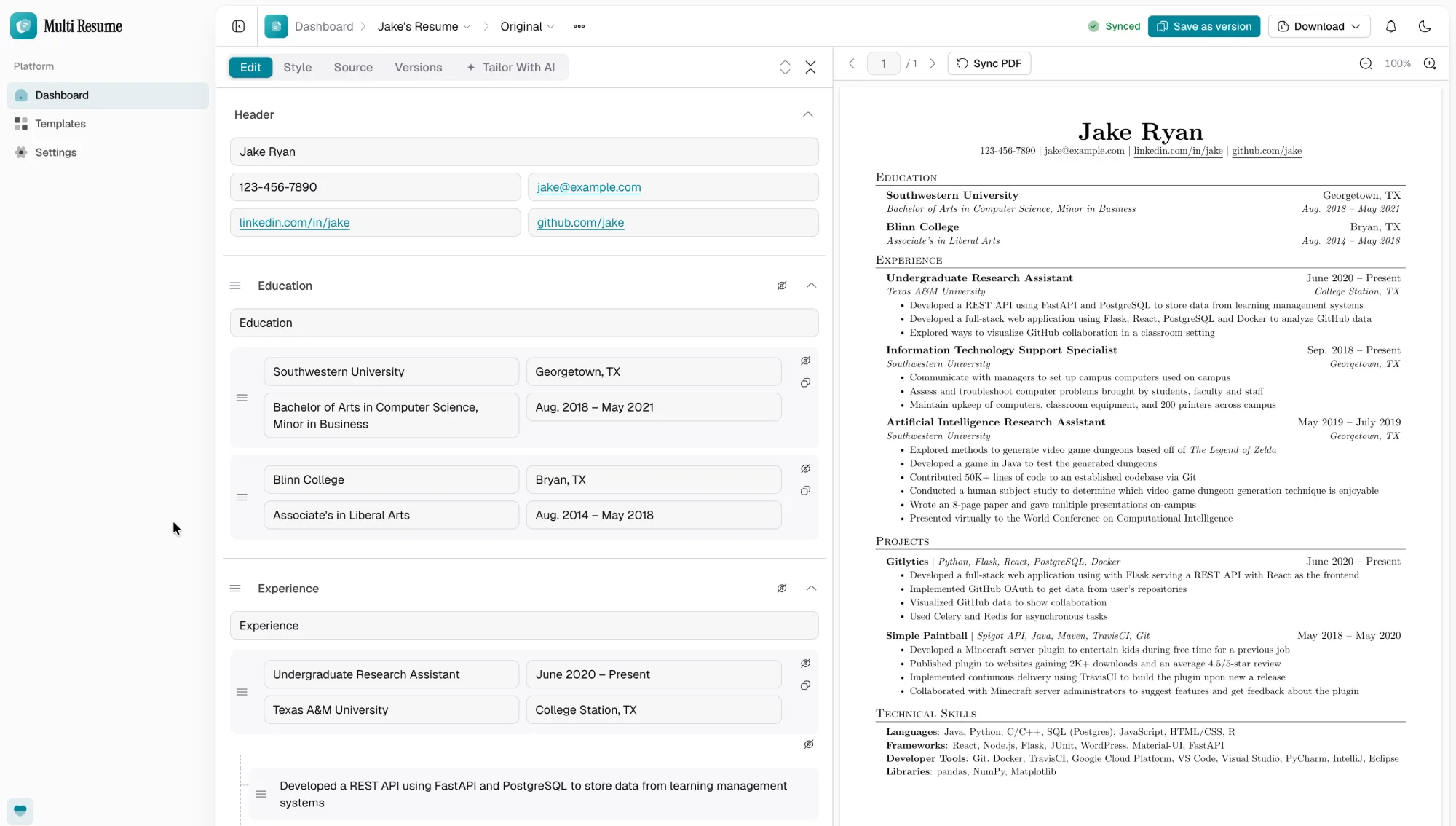
- Step 02
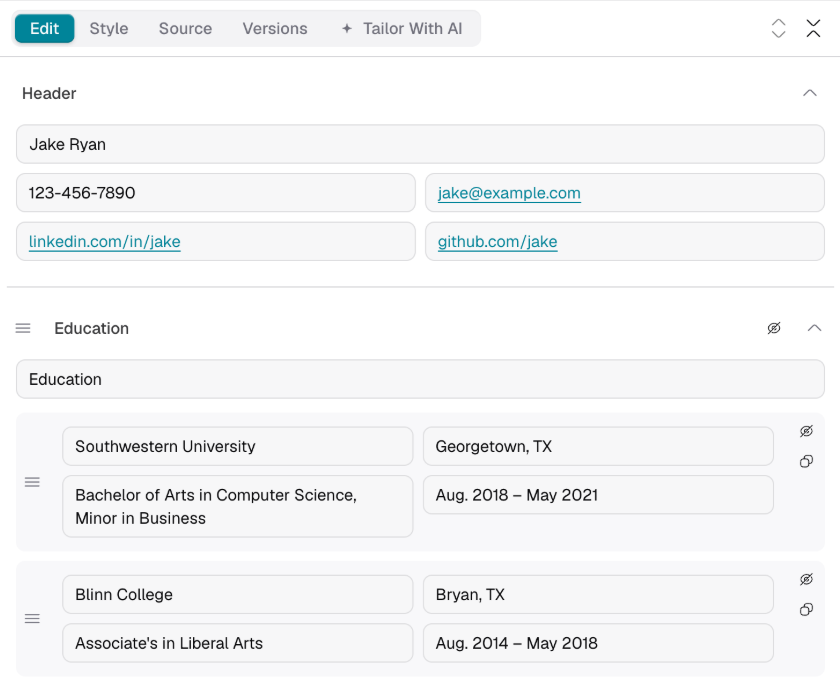
Optimize every line
Update any line in a simple editor. Your fonts, spacing and layout stay exactly as they were.
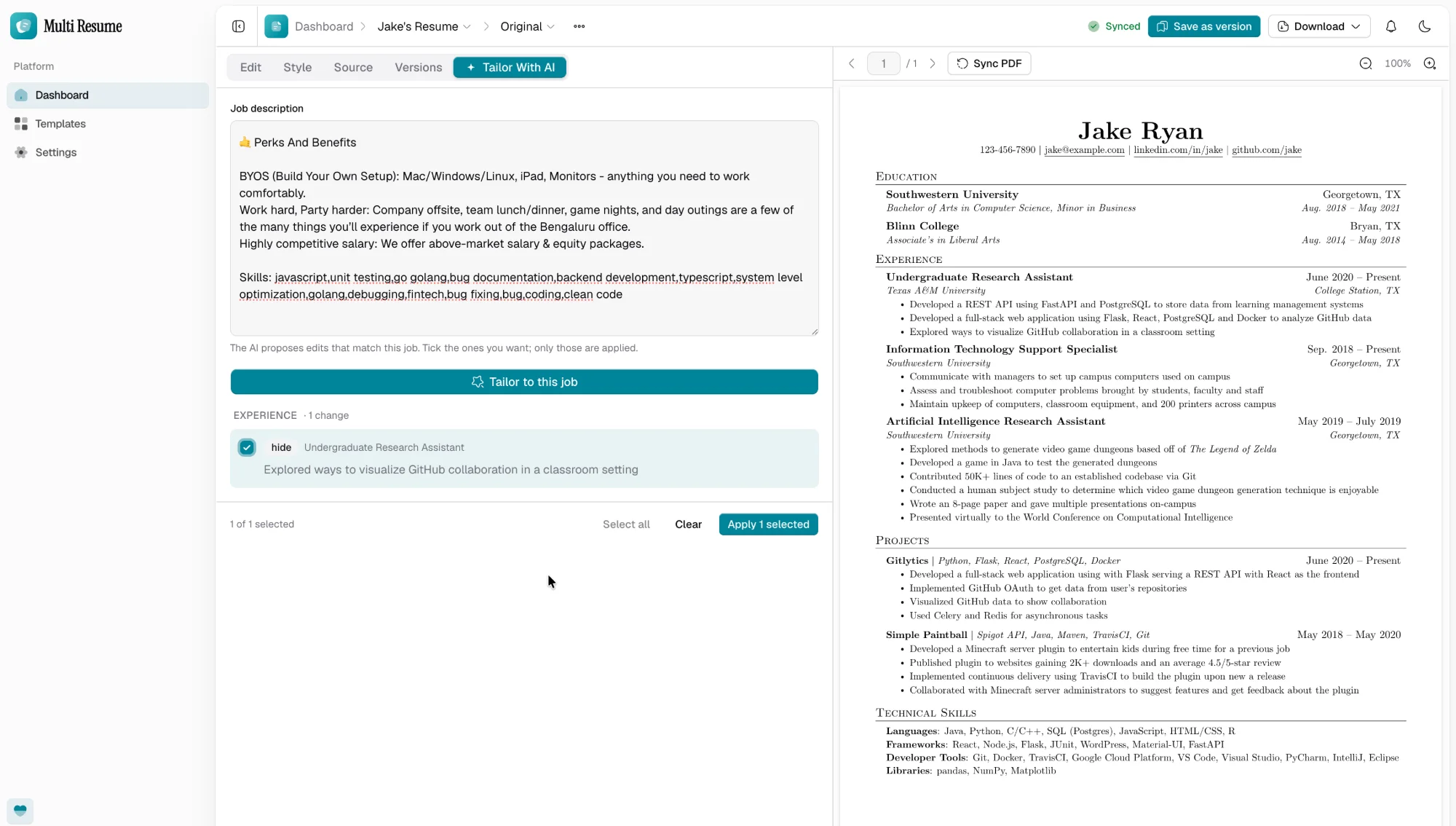
- Step 03
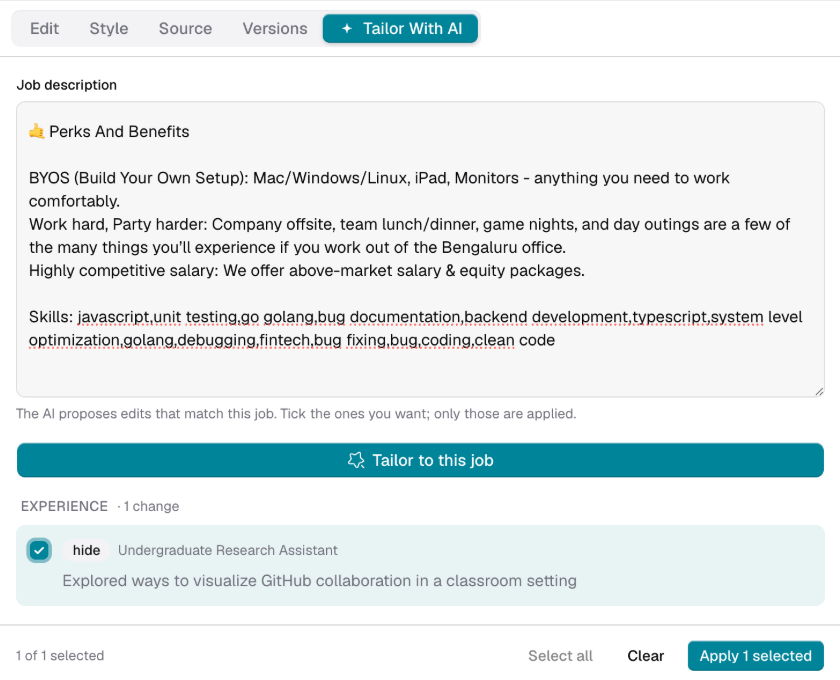
Tailor it to each job
Make a version for each application. Paste the job description and pick the suggested edits you want.
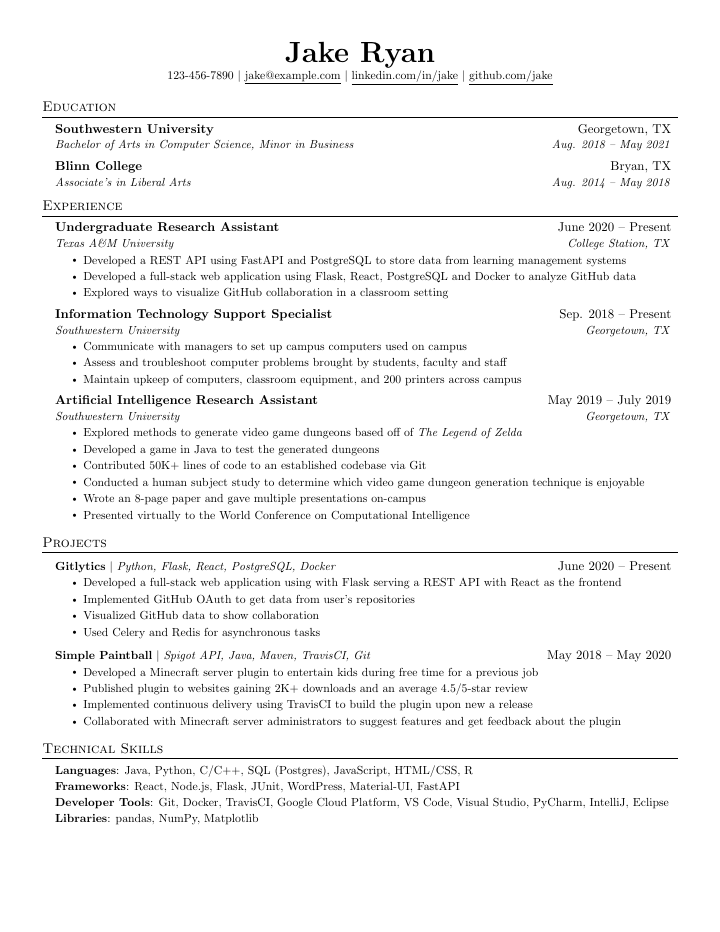
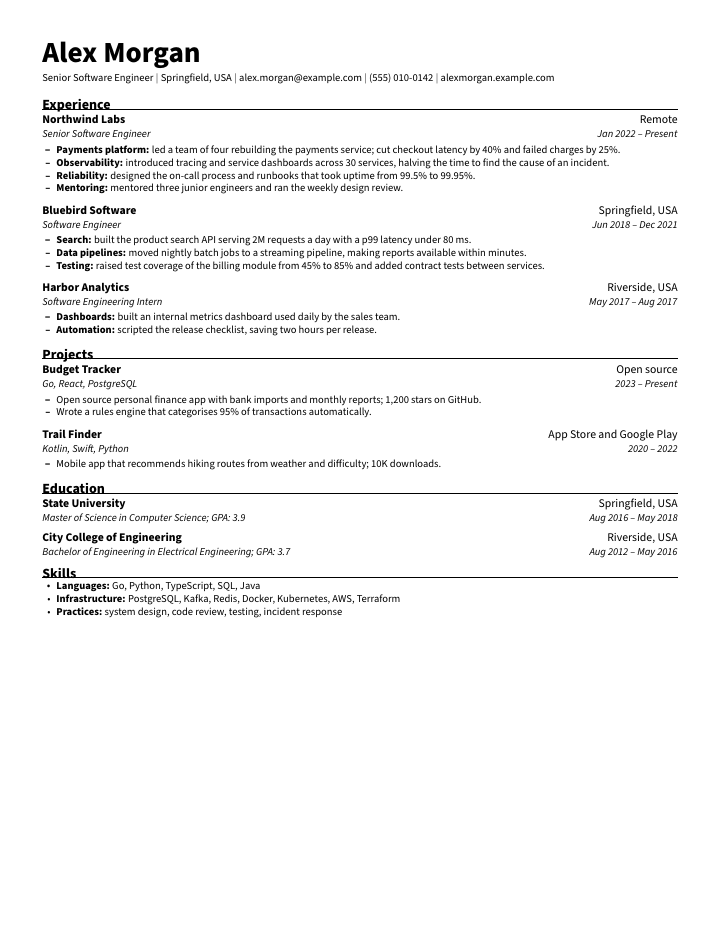
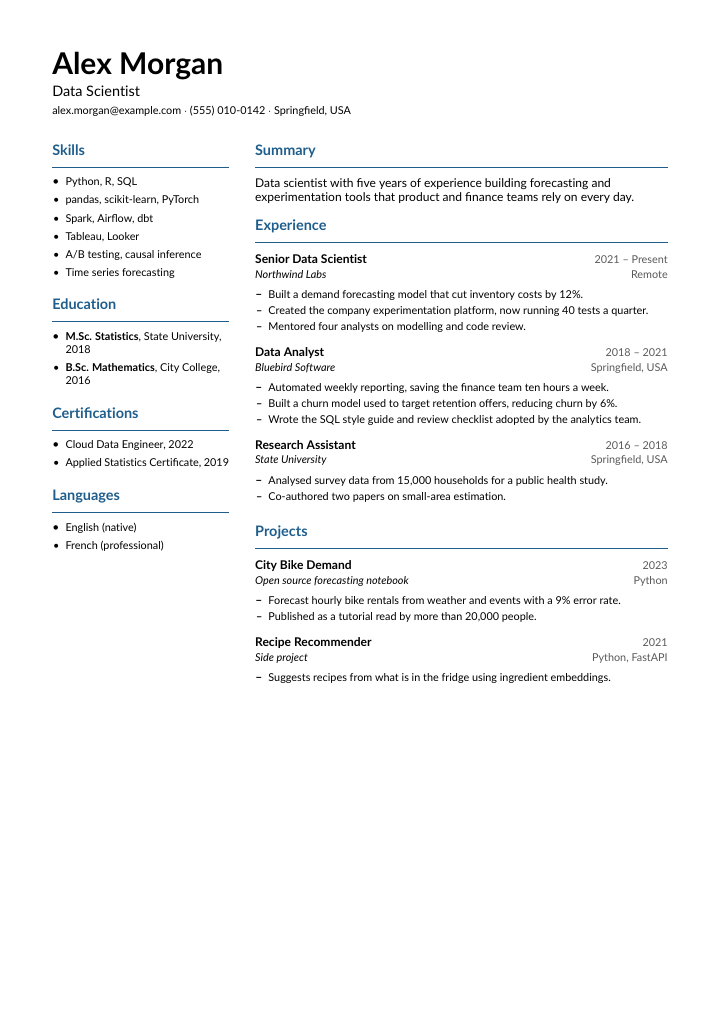
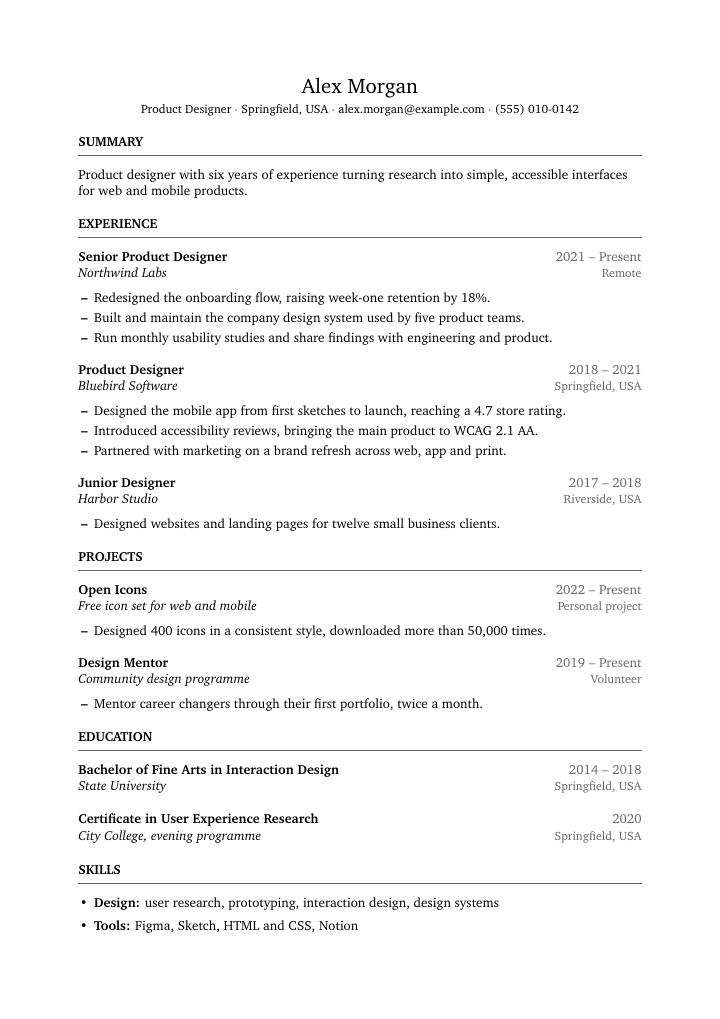
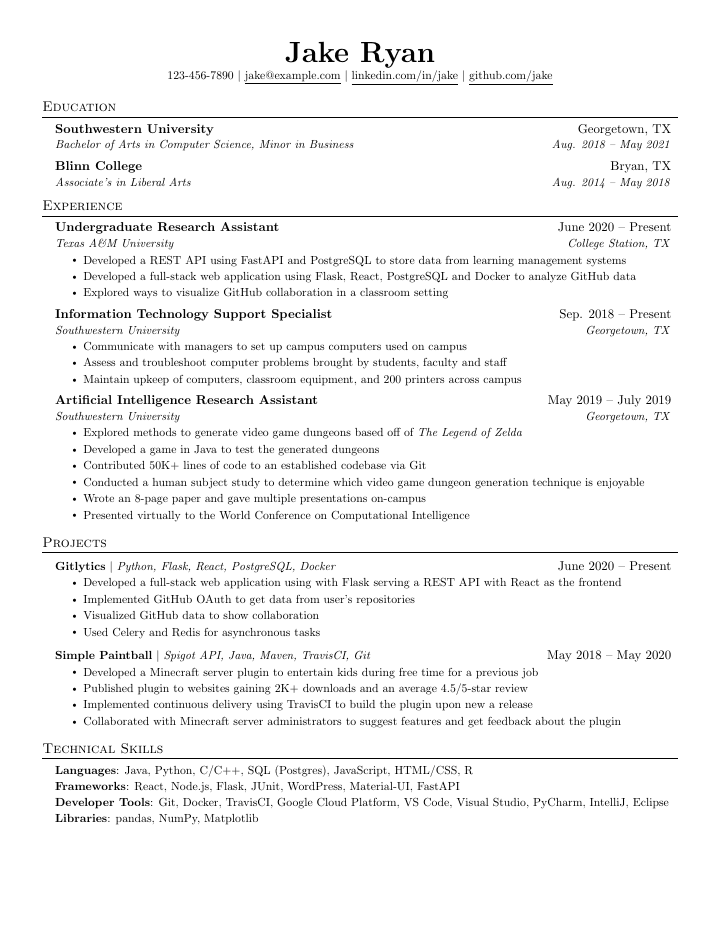
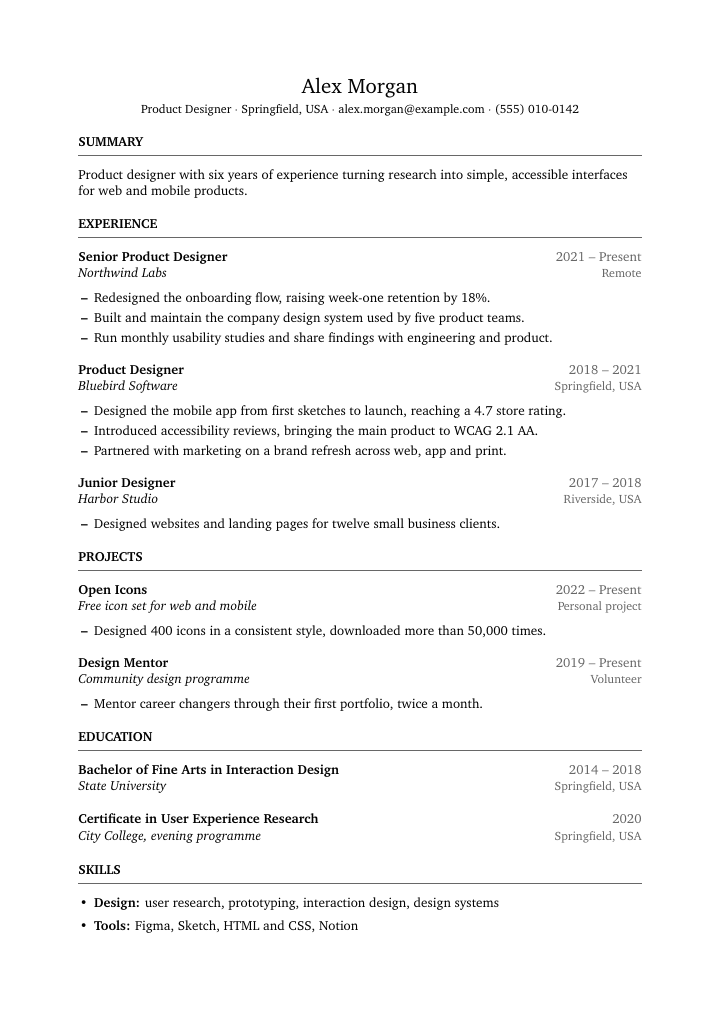
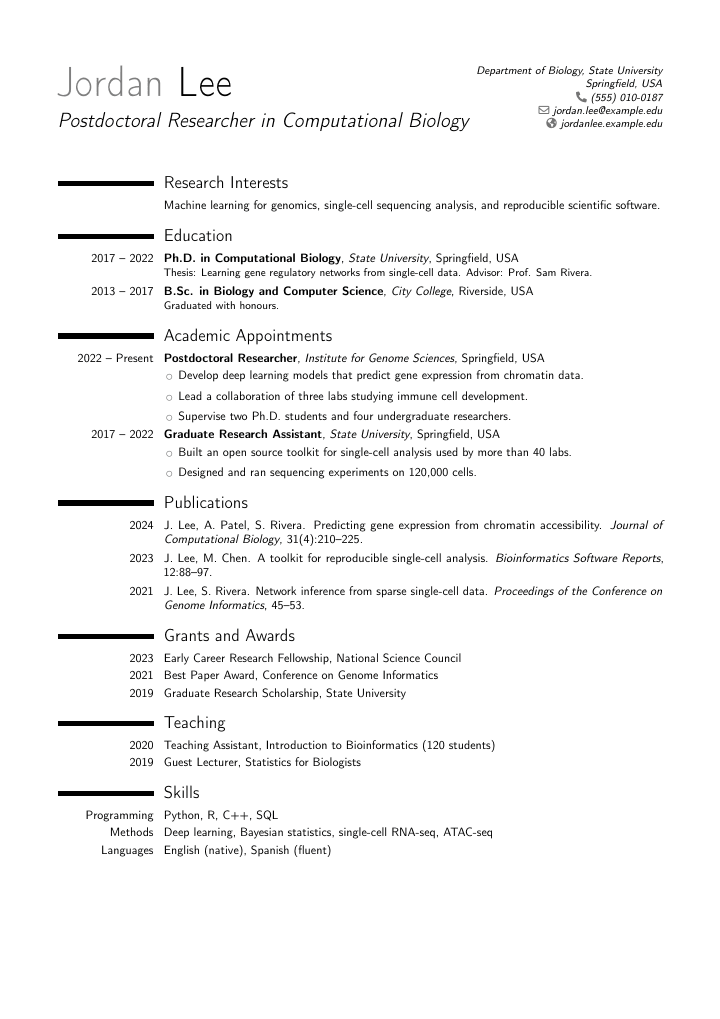
No resume yet? Start from a template.
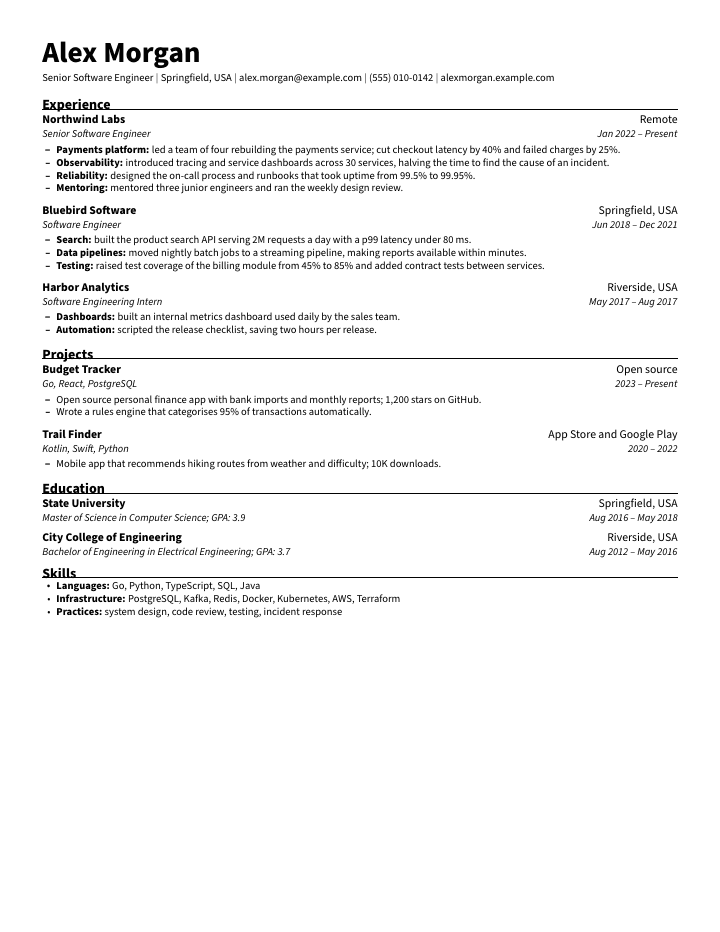
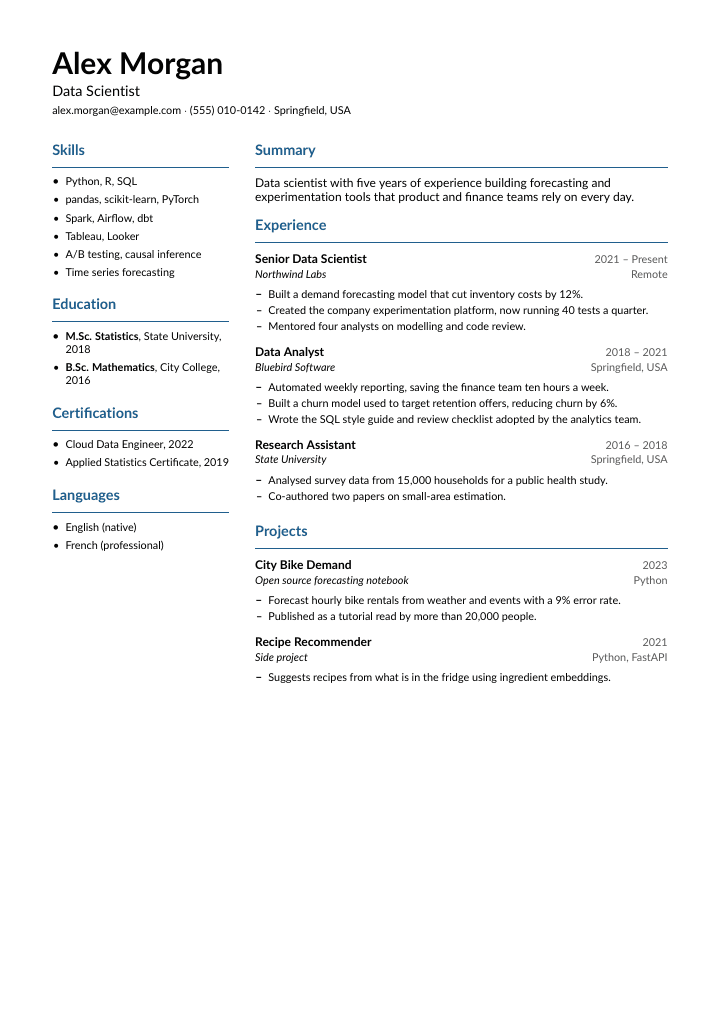
Built for applying to many jobs.
Yes. Download the main .tex file from your Overleaf project and upload it here. If it uses a photo or logos, add them in the editor.
Pick a template and upload the PDF of your LinkedIn profile. Your jobs, education and skills go into the template, and you edit from there.
Nothing changes until you say so. Tailoring shows each suggested edit, you keep the ones you want, and edits worth a second look are flagged.
Your PDF is the same one LaTeX would build, with real, selectable text. Single-column templates like Jake are the easiest for an ATS to read.
Yes. No paid plans, no locked features. If it helps you, you can sponsor it.
Your resumes stay in your account and are never sold or used for ads. Your LinkedIn PDF is read in your browser and never uploaded. Details are on the privacy page.